
Bundle builder
Curated kits shoppers can understand quickly.
Shopify Online Store upsell app
Bundles, add-ons, related products, volume pricing, and automation in one focused merchant workflow.
Launch-safe proof
Koala Essentials focuses on visible offer setup, public support, and separated offer responsibilities instead of unsupported claims or hidden shopper behavior.
Product-page widgets are designed for Shopify Online Store theme workflows and app-owned setup guidance.
Plan changes and cancellation stay inside Shopify billing, with public support available before install.
Bundles, add-ons, related products, and volume pricing keep distinct jobs instead of hiding logic in one flow.
Privacy, terms, and support pages are visible from the public site and the app review path.
Create product-page offers, control how they appear, and keep the shopper experience clear.
Practical merchandising patterns for cleaner product-page offers.
Let shoppers build a set from selected products.

Offer explicit companion products on the product page.

Show tiered incentives for buying more.
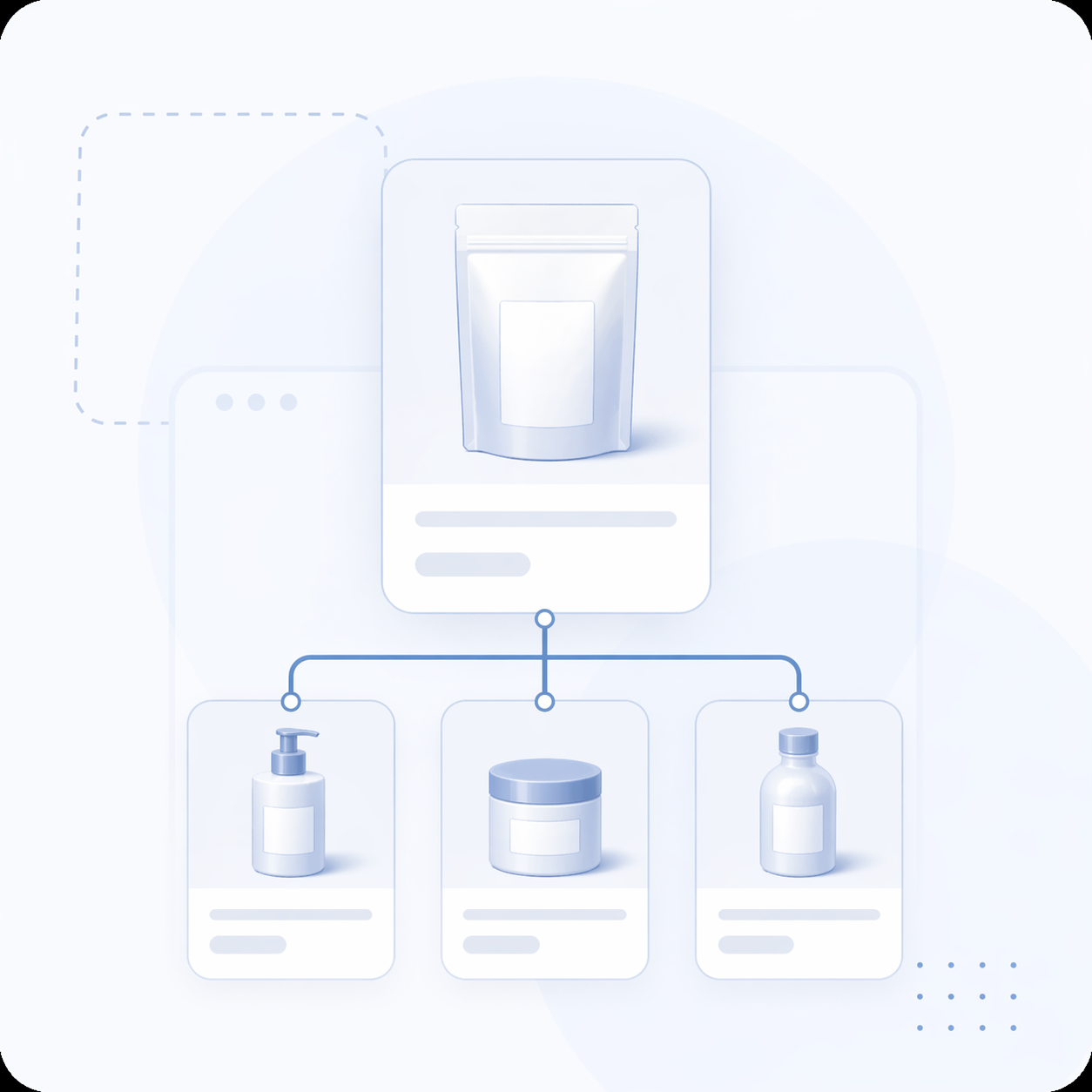
Surface merchant-curated companion products.

Create simple rule-driven offers without hiding paid additions.
Manage storefront appearance and setup status from one app-owned workflow.
Practical answers
Yes. Koala Essentials is built for Shopify Online Store merchants using theme-based storefront surfaces.
Storefront widgets are designed around Shopify theme app extension surfaces and setup guidance inside the app.
Koala Essentials supports bundles, related products, add-on offers, volume pricing, and simple automation offers from one app.
Bundle pricing and generic volume pricing stay separated so each offer type keeps a clear responsibility.
Yes. Paid add-ons are shown as explicit shopper choices and are not hidden opt-out additions.
Billing is managed through Shopify. Merchants can review plan and support information from inside Koala Essentials.
Use the public support page or email support@koalaessentials.com.
Support and policy details stay visible before a merchant commits to setup.
Use Shopify theme workflows to place the product-page surfaces that match your offers.
Read support guideChoose the offer type, configure the products, then review placement and setup status.
Read support guideReview Shopify-managed billing, privacy, terms, and the support path before setup.
Read support guide